Clean Up Work Area and Store Components
From Light Fixture Replacement · Step 13 of 13 · Video by VideoJoeShows
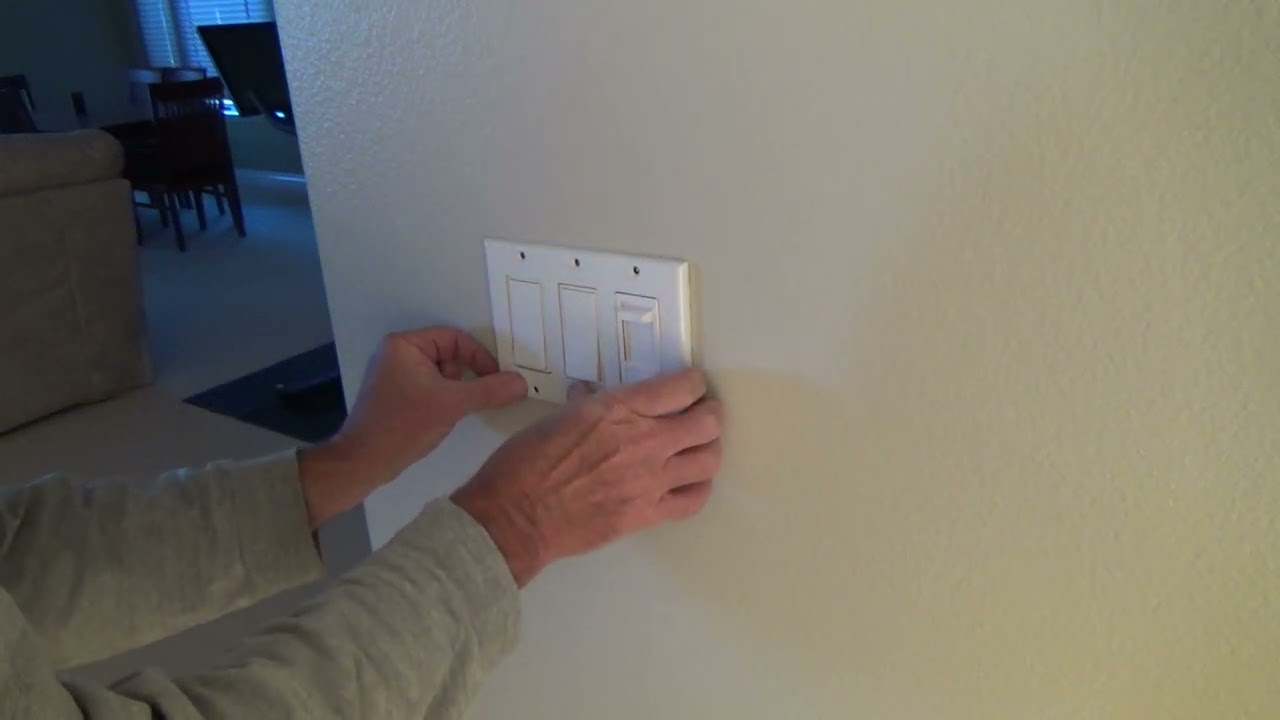
Showing 12:25–16:20 of the source video.
What happens in this clip
Conclude the installation by cleaning up any debris, such as wire clippings or dust, from the work area. Use a small vacuum cleaner or a damp cloth to ensure the area is tidy. Store any old or leftover components, such as the old switch, in a labeled box for future use or disposal.
Goal: Tidy up the workspace and organize leftover parts
What's used
Tools
- Small Vacuum Cleaner
- Storage Box
- Wipe Cloth
About the full video
This video details the process of installing a smart dimmer switch, focusing on proper seating within the electrical box and precise alignment with the cover plate. It also covers testing the functionality of the newly installed smart dimmer and a subsequent cleanup.
Step 13 of 13: Clean Up Workspace
Gather all tools, leftover materials, and any debris created during the installation. Ensure the area is clean and safe, especially the stairwell. Dispose of old parts and packaging appropriately.
Other videos for this step
Light Fixture Replacement
This project involves safely removing an existing light fixture in a two-story stairwell and installing a new one. Due to the height and electrical work involved, safety precautions are paramount.
Read the full guide Browse all guides
Planning this project? Shop Oak Valley Designs.