
Mount the LED Controller
From How to Connect LED Light Strips to a Controller and Power Supply · Step 4 of 4 · Video by Fancyleds
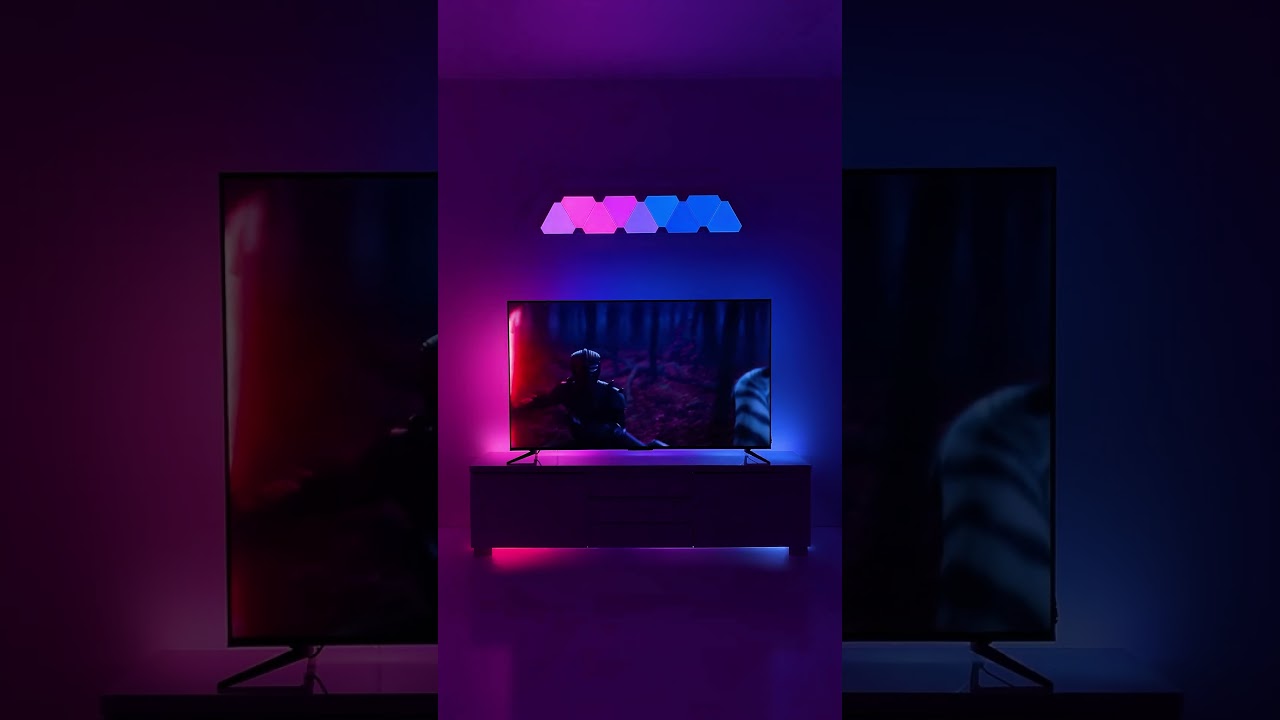
Showing 0:01–0:02 of the source video. Watch the full video with every moment.
What happens in this clip
Identify a suitable location on the back of your television or TV stand to mount the LED controller or receiver. This is typically a small black box that connects the LED strip to power and receives commands. Peel off the adhesive backing from the controller and firmly press it onto the chosen clean, flat surface to ensure secure attachment.
Goal: Securely attach the LED controller to the TV or TV stand
What's used
Materials
- LED Controller/Receiver FANCY LEDS
About the full video
This project provides instructions on how to install LED strip lights behind a television to create ambient or bias lighting, enhancing the viewing experience by synchronizing with on-screen content.
Step 4 of 4: Mount LED Strips and Controller
For LED light strips with an adhesive backing, ensure the mounting surface is clean, dry, and smooth. Remove the protective film from the adhesive and carefully press the strip into place, applying firm pressure along its entire length. If the adhesive is not sufficient, consider using mounting clips or double-sided tape designed for heavier-duty applications. For the controller, mount it in a convenient and accessible location, preferably near the power source and where the LED strips can be easily routed. Use screws, double-sided tape, or zip ties to secure the controller, ensuring it is stable and protected from damage.
Every video in How to Connect LED Light Strips to a Controller and Power Supply
Step 1: Connect LED Strips to Controller
- 0:20–0:23 Connect LED Light Strips to Controller
- 0:27–0:42 Connect LED Strips to Controller
- 4:49–5:59 Connect LED Strip to Controller
Step 2: Connect Controller to Power Supply
- 0:05–0:12 Connect LED Controller to Power Supply
- 0:23–0:34 Connect Power Adapter to LED Controller
- 0:09–0:12 Connect Power Supply to LED Controller
Step 3: Test the Lighting System
- 1:11–1:33 Power Up and Test
- 0:12–0:15 Power On and Test LED Strip
- 1:20–1:50 Power On and Initial Test
Step 4: Mount LED Strips and Controller
- 0:01–0:07 Mount the LED Strips
- 0:01–0:02 Mount the LED Controller (this video)
- 6:21–7:00 Mount LED Strip and Consider Extrusion
How to Connect LED Light Strips to a Controller and Power Supply
This project outlines the steps for connecting LED light strips to a controller and power supply for a DIY lighting setup.
Read the full guide Browse all guides
Planning this project? Shop Oak Valley Designs.
Subscribe for exclusive updates
Be the first to know about promotions, new products, and sales.