
How To Install a Motion Sensor Light Switch to Turn the Lights On/Off Automatically | Lutron Maestro
Video by How To Home · 2 moments used in Oak Valley Designs's DIY guides · 8:48 long
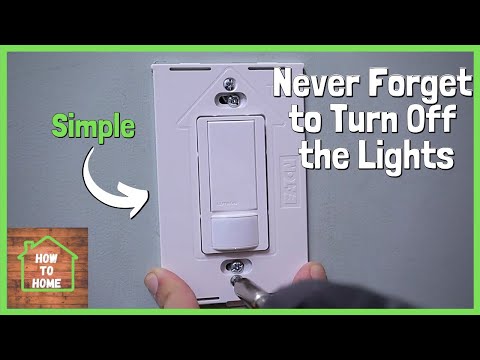
Moments in this video
- 3:28–3:58 Connect Ground Wires
From How to Install a Motion-Sensor Light Switch in a Stairway, Step 5: Connect Ground Wire
Take the bare copper ground wire coming from the wall box and the silver-looking ground wire from the motion sensor switch. Twist these two wires together firmly. Once twisted, secure them tightly with a yellow wire nut. Ensure the connection is snug by gently tugging on the wires.
- 7:43–7:51 Install Wall Plate
From How to Install a Motion-Sensor Light Switch in a Stairway, Step 7: Install the Cover Plate
Finally, install the decorative wall plate over the new motion sensor light switch. Screw the wall plate onto the electrical box using the provided screws and then snap the decorative cover plate into place for a clean, finished look.
The guide that use this video
More from the Oak Valley Designs DIY Hub
Read the guide Browse all guides
Planning this project? Shop Oak Valley Designs.

Subscribe for exclusive updates
Be the first to know about promotions, new products, and sales.