
Restore Power and Test
From How to Remove a Ceiling Light Cover to Change the Bulbs · Step 6 of 7 · Video by The Home Depot
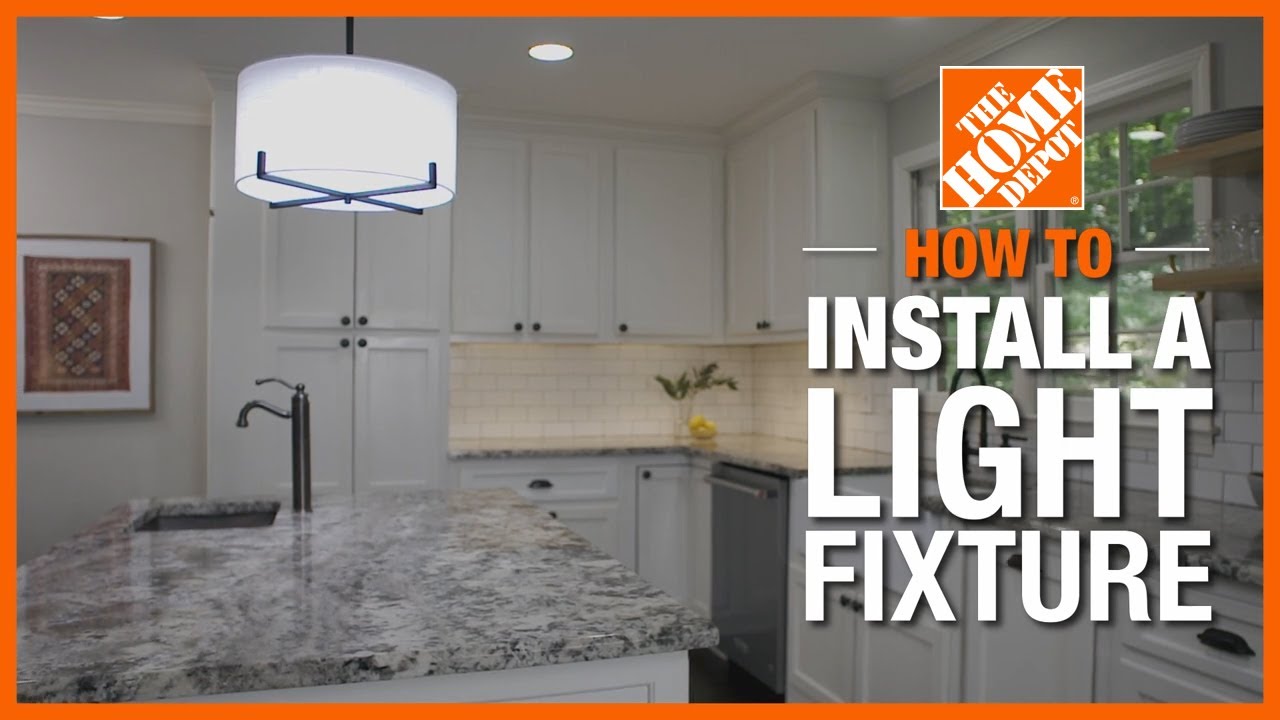
Showing 2:11–2:21 of the source video. Watch the full video with every moment.
What happens in this clip
For the final step, return to the electrical panel and flip the breaker switch back to the 'on' position to restore power to the circuit. Then, proceed to the light switch in the room and flip it on to activate the newly installed light fixture. Observe the light to ensure it is functioning correctly and providing the desired illumination.
Goal: Verify the new light fixture is functioning correctly
What's used
Tools
- Electrical Panel
- Light Switch
About the full video
This project provides a step-by-step guide on how to safely replace an existing ceiling-mounted light fixture with a new one. It covers unboxing, safely disconnecting power, removing the old fixture, installing the new mounting bracket, wiring the new fixture, and finally assembling and testing the new light.
Step 6 of 7: Restore power to the light fixture
Return to your electrical panel and flip the circuit breaker for the ceiling light fixture back to the 'ON' position. This will restore power to the fixture.
Every video in How to Remove a Ceiling Light Cover to Change the Bulbs
Step 1: Turn off power to the light fixture
- 0:50–1:05 Turn Off Power at Circuit Breaker
- 0:47–0:52 Turn Off Power at Circuit Breaker
- 0:03–0:05 Shut Off Power to the Circuit
Step 2: Remove the light fixture cover
- 1:50–2:38 Remove Old Light Fixture Glass Cover and Bulbs
- 1:03–1:50 Remove Light Fixture Cover
- 0:17–0:23 Remove Light Bulb Cover and Bulbs
Step 3: Remove old light bulbs
- 0:34–0:50 Unscrew Old Bulb
- 1:50–2:05 Remove Light Bulbs
- 0:38–1:04 Remove the Old Bulb
Step 4: Install new light bulbs
- 1:15–1:30 Install New Light Bulb
- 1:04–1:12 Install the New Bulb
- 0:26–0:31 Install the New Light Bulb
Step 5: Reattach the light fixture cover
- 6:11–6:23 Replace the Fixture Cover
- 0:57–1:08 Reinstall Dome Light Cover
- 0:55–1:09 Install the Light Cover
Step 6: Restore power to the light fixture
- 10:35–10:39 Restore Power and Test the New Fixtures
- 2:59–3:02 Restore Power
- 2:11–2:21 Restore Power and Test (this video)
Step 7: Test the light fixture
- 9:22–9:55 Restore Power and Test
- 8:04–8:19 Restore Power and Test
- 2:47–2:52 Test New Light Fixture
How to Remove a Ceiling Light Cover to Change the Bulbs
Outline for removing a ceiling light cover to change bulbs.
Read the full guide Browse all guides
Planning this project? Shop Oak Valley Designs.
Subscribe for exclusive updates
Be the first to know about promotions, new products, and sales.