
Clip 1/3
Helpful?
Step 6 · Connect Power Supply and Test
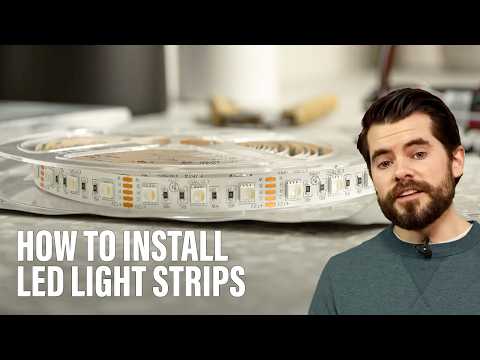
Connect the input end of your first LED strip segment (or the end of the main run) to the power supply. This typically involves connecting a low-voltage wire from the power adapter to the appropriate input terminals on the LED strip, ensuring correct polarity (+ to +, - to -). If using a controller for dimming or color changes, wire the LED strip to the controller's output and the power supply to the controller's input. Plug in the power supply and test all segments of the LED strip to ensure they light up correctly and consistently. Check for any flickering or dead sections.
Tools and Materials
TruePower 4.8 Amp, 5-Volt 2-Port USBA and 2-Port USBC Charger Duplex Wall Outlet Receptacle, White
IDEAL Model 11 Set-Screw Wire Connector (100 per Box) 30-211
Field Guardian 50 ft. Coil of 12.5-Gauge Ground Wire for Lead Out Wire 900121
Philips Smart Remote Control for Smart Wi-Fi WiZ Wireless Connected Light Bulbs 562363

Subscribe for exclusive updates
Be the first to know about promotions, new products, and sales.