
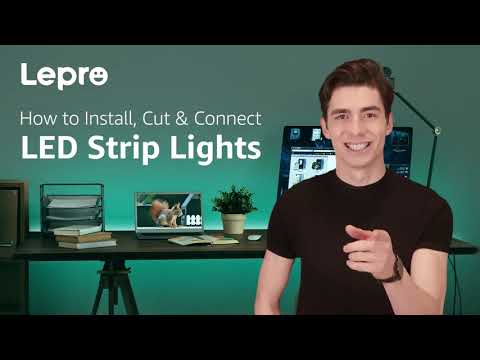
Clip 1/3
Helpful?
Step 3 · Test the Lighting System
Ensure all connections are secure and correctly wired. Plug the power supply into a wall outlet or connect it to its own power source. Observe the LED light strips. They should turn on, possibly to a default color or setting. Use the remote control, mobile app, or physical buttons on the controller (depending on the type) to cycle through colors, brightness levels, and any pre-programmed effects. Verify that all colors (red, green, blue, white) are functioning correctly and that the transitions between them are smooth. If using multiple strips, ensure they are all responding in sync with the controller.
Tools and Materials
Aqara Smart Hub M1S Gen 2, Wireless Smart Home Control Center, Remote Monitor and Control
TruePower Electrical Outlet Receptacle with 2-High Power USB Ports
Subscribe for exclusive updates
Be the first to know about promotions, new products, and sales.