
How to Remove Rear Dome Light 96-04 Nissan Pathfinder
Video by 1A Auto: Repair Tips & Secrets Only Mechanics Know · 1 moment used in Oak Valley Designs's DIY guides · 1:29 long
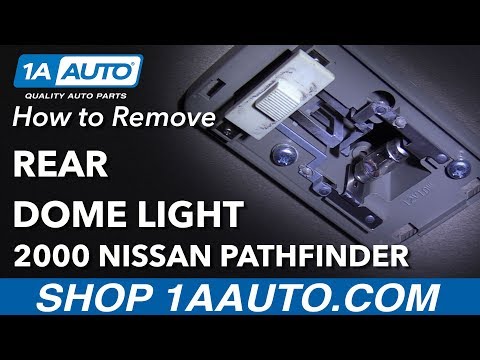
Moments in this video
- 0:57–1:08 Reinstall Dome Light Cover
From How to Remove a Ceiling Light Cover to Change the Bulbs, Step 5: Reattach the light fixture cover
Take the plastic light cover and identify the two small tabs or hooks on one side. These tabs are designed to engage with corresponding slots or recesses on the main light housing. Insert these tabs into their respective slots first. Once the tabs are securely seated, gently push the opposite side of the cover upwards until it clicks into place. This indicates that the retaining clips have re-engaged, securing the cover firmly to the ceiling light fixture. Test the light to ensure proper operation.
The guide that use this video
More from the Oak Valley Designs DIY Hub
Read the guide Browse all guides
Planning this project? Shop Oak Valley Designs.
Subscribe for exclusive updates
Be the first to know about promotions, new products, and sales.